- Briefcase — Product updates
- Posts
- 💼 Product Update — 2/2/2026
💼 Product Update — 2/2/2026
User context, fixed assets automation and more
User context
Briefcase now considers custom user-provided text when performing:
Line item categorisation
Tracking category/class assignment
Line item splitting
To guide Briefcase, simply enter an extra note in WhatsApp (here we tell Briefcase that the expense is business entertainment):
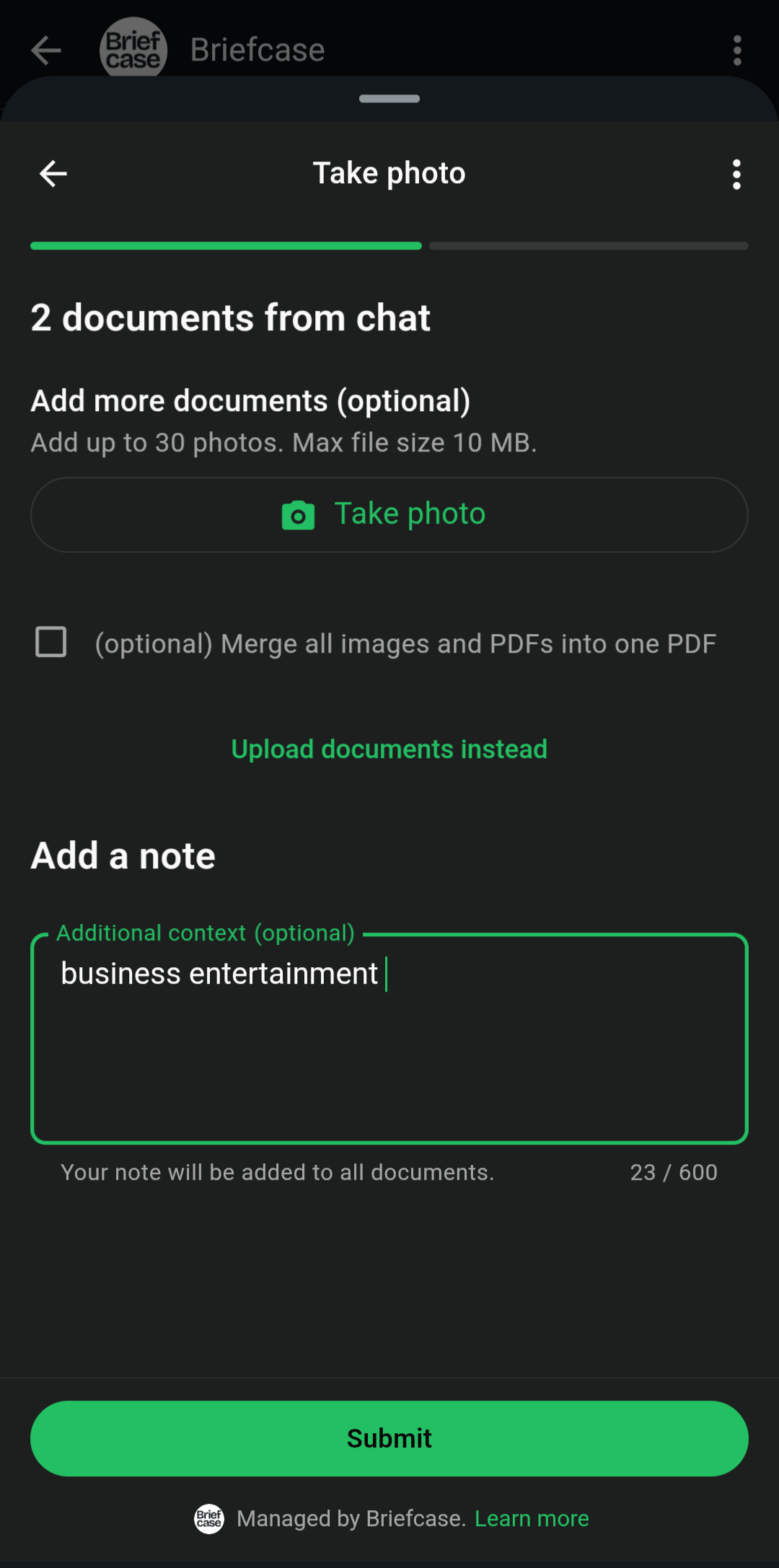
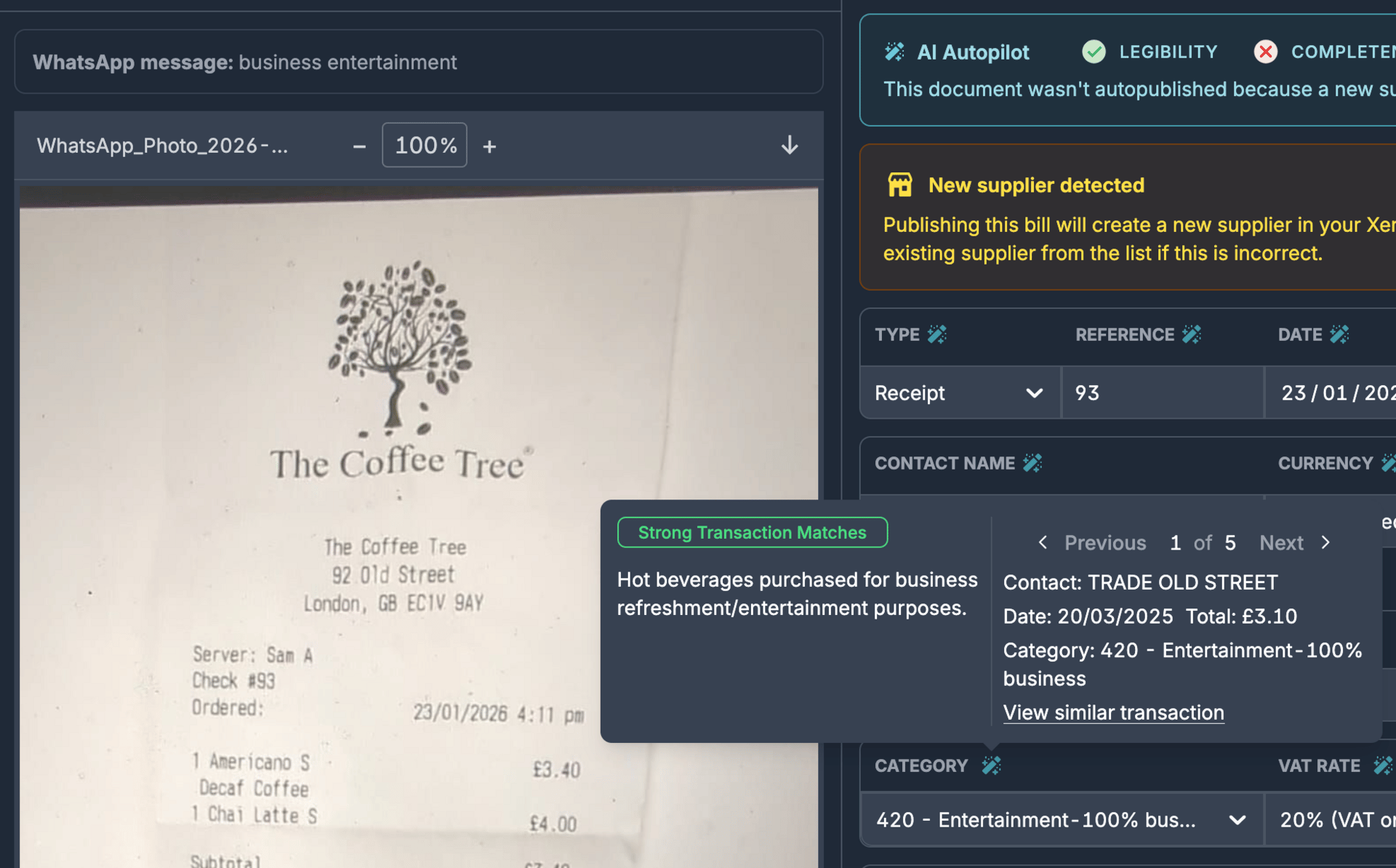
Briefcase will automatically identify your intent and use it for transaction processing. In this example, it accurately assigns the "Entertainment - 100% business" category.
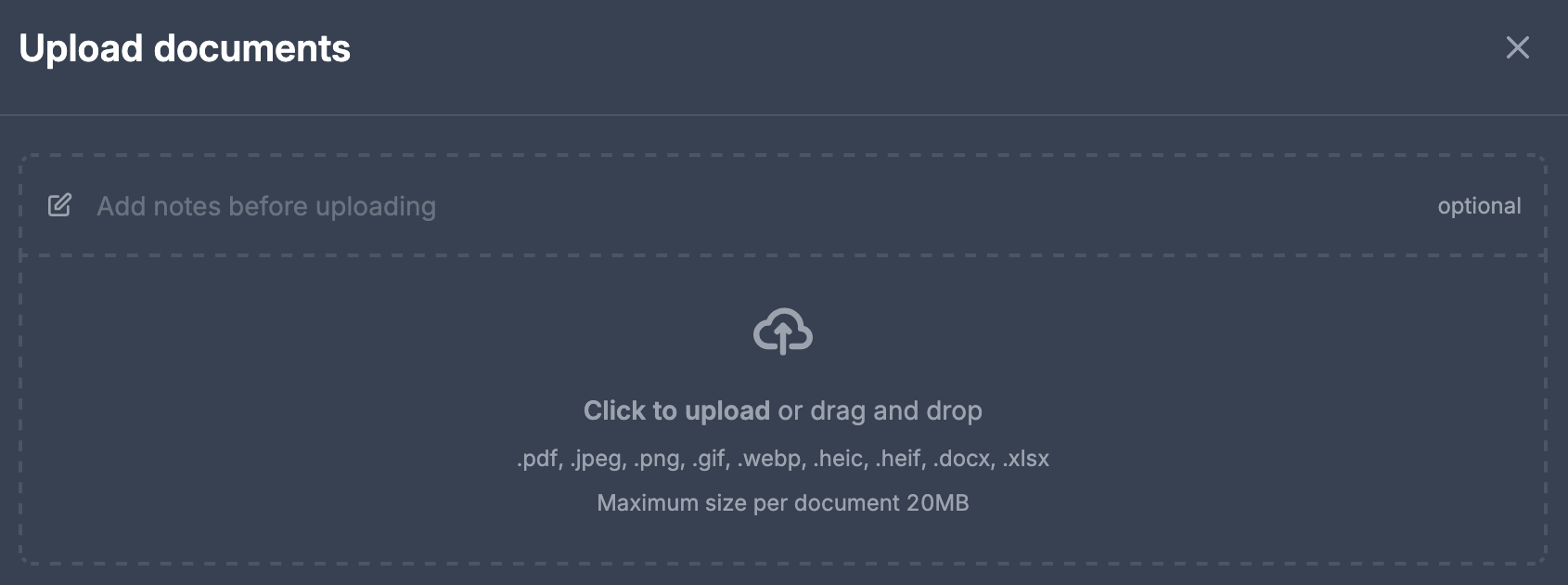
You can also add extra context via email or web upload.
Fixed asset automation
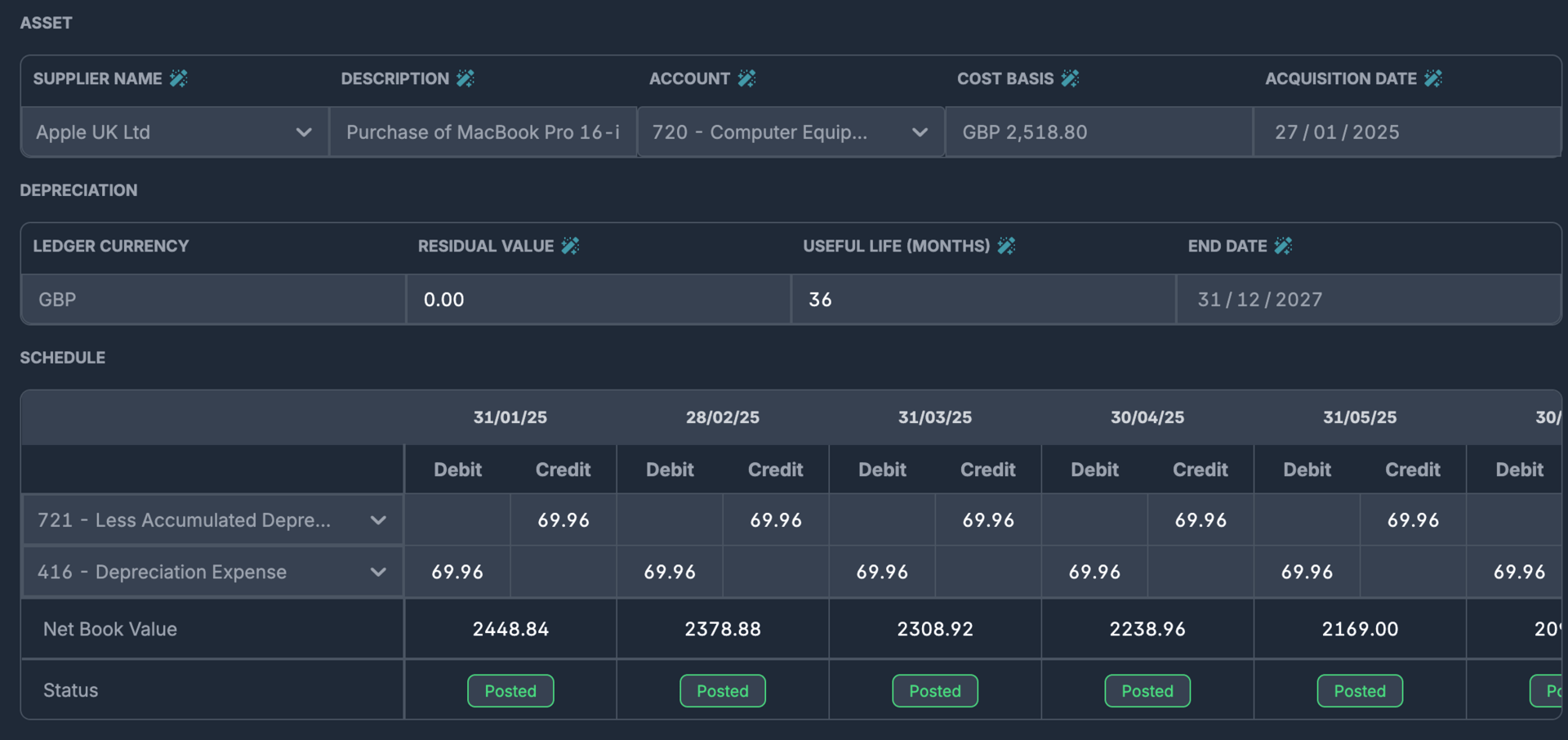
Briefcase now automatically detects fixed assets, creates depreciation schedules, and stores them in the fixed asset registry.
Upload your invoices via any channel as usual, and Briefcase will analyse them for fixed assets. Once a fixed asset is identified, it will be prominently displayed alongside the transaction details.
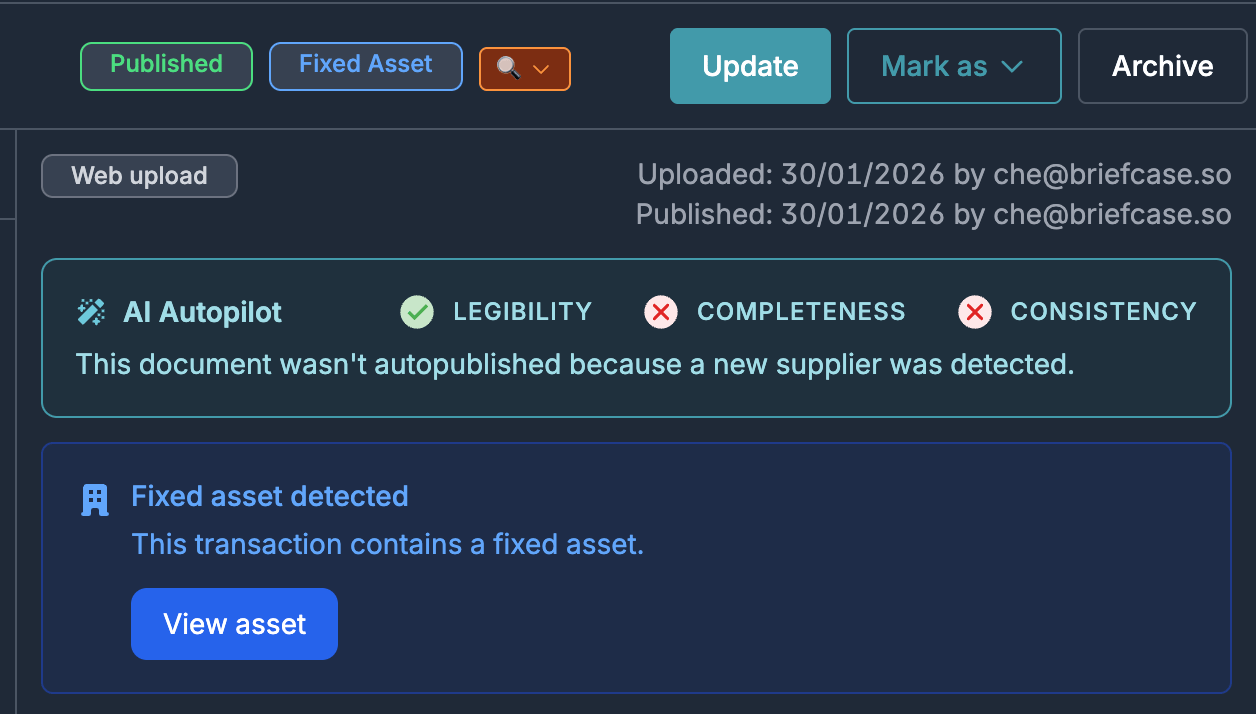
Briefcase will automatically create a depreciation schedule for you. Once published, this will automatically generate journals in your connected Xero or QuickBooks account.
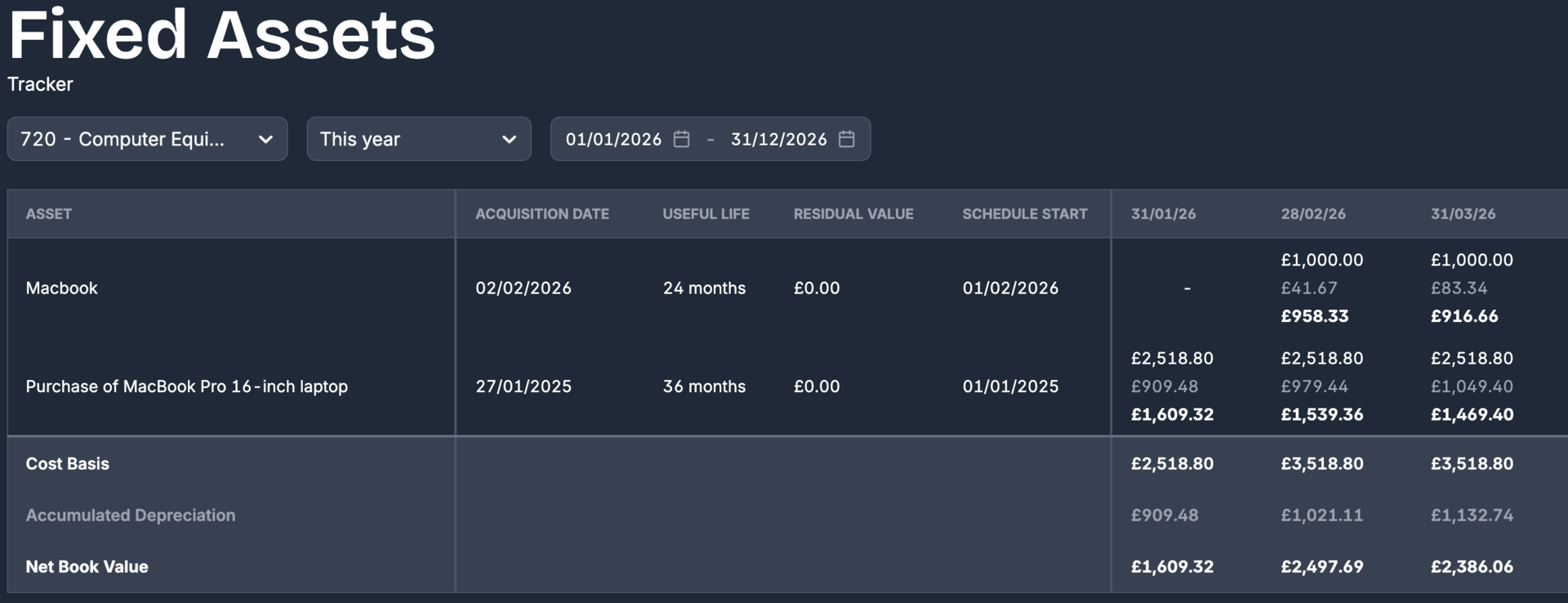
Finally, you can track all fixed assets in the registry.
Search by document reference
In both the Costs and Sales inboxes, you can now search transactions by vendor or document reference.
That’s all for this week. Have any questions, ideas or feedback? Hit reply to this email and let us know.